On site
The tag is still blank.
A thousand objects across buildings, floors and flats. Each with its own interval, each with its own due date.
Hundreds of items, each with its own inspection characteristics and its own due date, each at a different address. The question is rarely whether you can inspect, but who drives where and when, and what is due there.
You set up your account yourself – registration opens in a new tab and needs a moment the first time. If you would rather know first whether we are a match, send us an enquiry, no obligation.
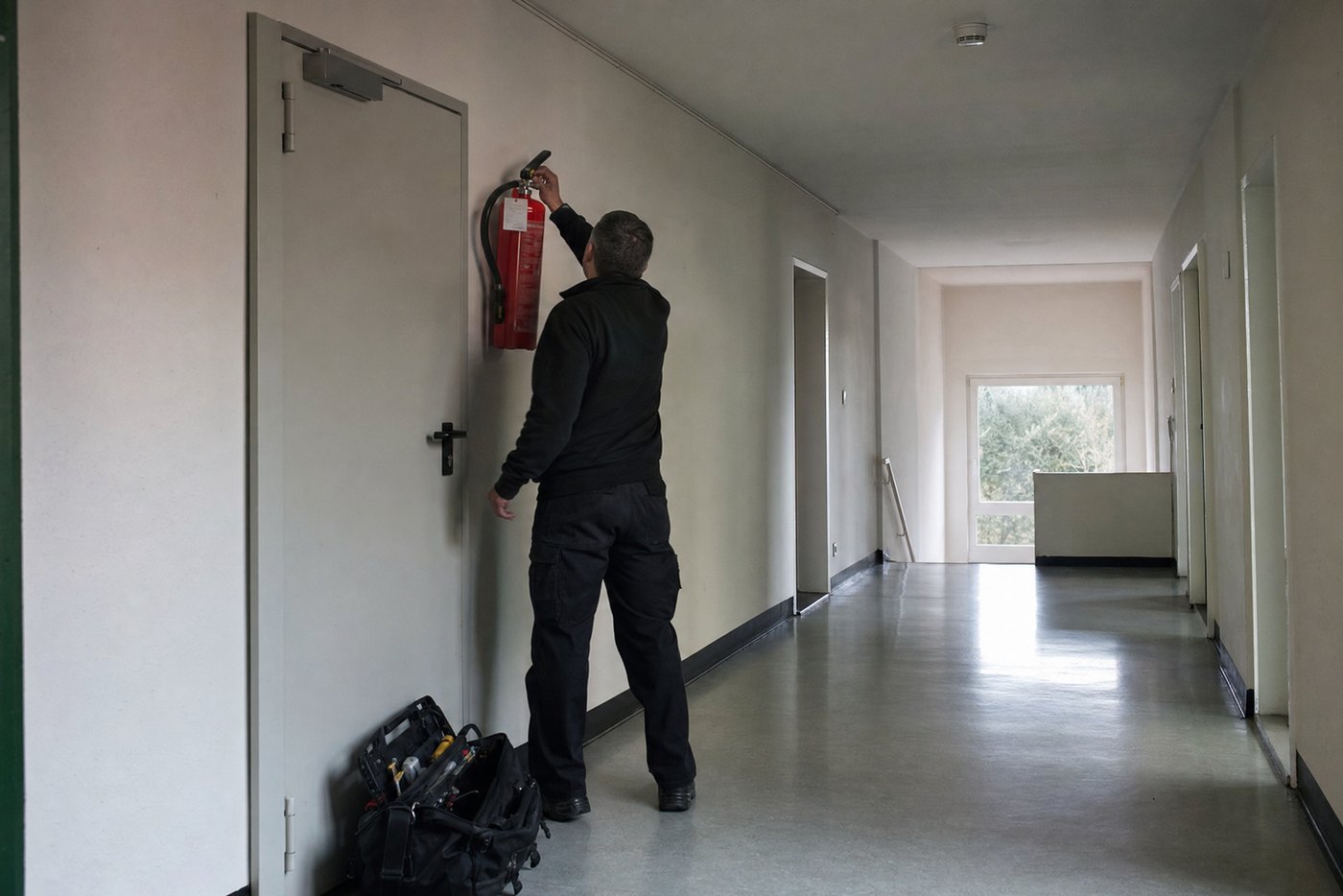 Stock photoOne item, its due date, its proof.
Jobtura · record the item → inspection template → appointment
Stock photoOne item, its due date, its proof.
Jobtura · record the item → inspection template → appointment
Three everyday steps that cost you time today, and how they run with Jobtura:
The inspection itself takes minutes. The work sits in the planning before it and the proof after it.
An inspection template sets out which characteristics to check, which values are permitted and at what interval. Result and interval together give the next appointment.
It is blocked and no longer planned into jobs, a replacement item takes over. The order carries on, the item does not.
Appointments sit in the bar chart and can be moved there. A route carries its stops in order with their time windows, and the map view shows them in context.
Services and goods sit in the same job, priced by time or as a flat rate. Several jobs can be combined into one collective invoice.
Software that adapts to you. Not the other way round.
We do not want to be the right software for everyone. We want to offer our customers the best possible solution.
That is why we combine comprehensive standard software with individual adaptability, personal support and long-term partnership.
Our solutions range from classic order and inventory management through resource planning, rental processes, mobile applications and cash registers all the way to comprehensive business management.
In doing so, we offer our customers a high degree of freedom: cloud, on-premises or hybrid. Desktop, web or app. Subscription or perpetual licence.
We analyse business processes before we implement larger projects, and we can extend our software with custom developments where needed.
We are particularly strong at connecting operational and commercial processes. With integrated point-of-sale systems, extensive invoicing options, interfaces to financial accounting systems such as DATEV, SAP or BMD, depending on the system and project requirements, and real-time business analyses, we make the financial situation of a company transparent.
Margins and contribution margins can be determined as early as the quotation stage. Provided the data is kept complete and up to date, business performance can be tracked on an ongoing basis instead of relying solely on delayed reports.
We are not the cheapest provider, and we do not want to be. Our aim is a powerful, economically sensible solution that grows with the requirements of our customers.
We do not want to win as many customers as possible. We want to work successfully with our customers for as many years as possible.
A smoke alarm in flat 12. A fire door between two parts of a building. A first aid kit in the workshop whose contents get checked regularly.
Different tasks, always the same problem: somebody has to do the right thing in the right place at the right time.
It gets hard to keep track quickly, because hundreds of items are spread across customers, locations and sites. Some are inspected, some serviced, others swapped out.
Each one is kept on its own. Its customer, its site and its inspections hang on it. From that follows when somebody has to drive out there again.
Sites are kept as records of their own, not in a comment field. One person carries any number of addresses: invoice address, delivery address, site address. Each job picks the right one without changing the master record.
What has to be done on an item hangs on a template, not in the head of the fitter. The upcoming appointments come out of that, without anyone entering them one by one.
Then comes the scheduling: who drives out, who looks after the customer, which region is responsible. Qualification and availability of the staff feed into the staffing, approved absences just the same.
Anything not yet scheduled is flagged separately. That way no assignment is left lying just because nobody picked it up.
At the customer you work through the characteristics, record the values and document the result. In a damage case that is the difference between an inspection record and a claim.
If you need material, it carries on without a break. Every article can hold several sources with price, minimum quantity and delivery time; purchasing suggests the right one.
The item carries its whole life: purchase, assignments, inspections, repairs and disposal, all under the same serial number. For complaints you can prove which item was where and when.
Next time it is there before anyone asks: what was done last, when that was, how it turned out and what comes next.
Entered once, usable everywhere. No double entry.
And it carries on from there on the same job: quotes can be signed digitally, deposit, interim and final invoices follow from it, incoming payments and reminders hang on it, and at the end the data goes to the accounts.
Where spreadsheets stop, Jobtura carries on: stock levels, picking and scanning are built in. No extra tool needed.
Packing lists straight from the order. Tick off line by line, so nothing is forgotten and nothing is packed twice.
A live overview in the warehouse: which orders are due, what is packed, what is missing, on a screen right there.
Barcode and QR scanning by smartphone: book equipment, record withdrawals, check returns, in seconds.
Five quick questions, an answer straight away – then we both know whether this is a match.
Jobtura is not theory software. It has been in use for years with rental businesses, event technicians and service providers across Germany, built with the people who work with it every day.
 Stock photo
A thousand objects across buildings, floors and flats. Each with its own interval, each with its own due date.
Jobtura comes in two forms: as full rental software for businesses with a warehouse and equipment fleet, and as a lean cloud entry for small teams.
The full ERP software for rental, sales & service. That is this page.
Jobtura as a Service, the lean cloud entry for small teams.
And the two belong together: JaaS also works as an app alongside Sales & Rent. You can just as well use only the app, or only Sales & Rent. And where the software runs is your call: in our cloud, on your own server, or on a machine in your own building.
ERP and inventory software for Rental · Sales · Service. You start lean with what you need and add more as you grow: