At the loading bay
The best route is worth nothing without the goods.
What has to go on the vehicle is on the packing list. What actually went on is confirmed by the scan.
With one delivery a day this is no issue. With twenty deliveries, several collections, time windows and customers spread across a region it becomes real logistics. Your orders turn into routes with vehicle, driver and packing list.
You set up your account yourself – registration opens in a new tab and needs a moment the first time. If you would rather know first whether we are a match, send us an enquiry, no obligation.
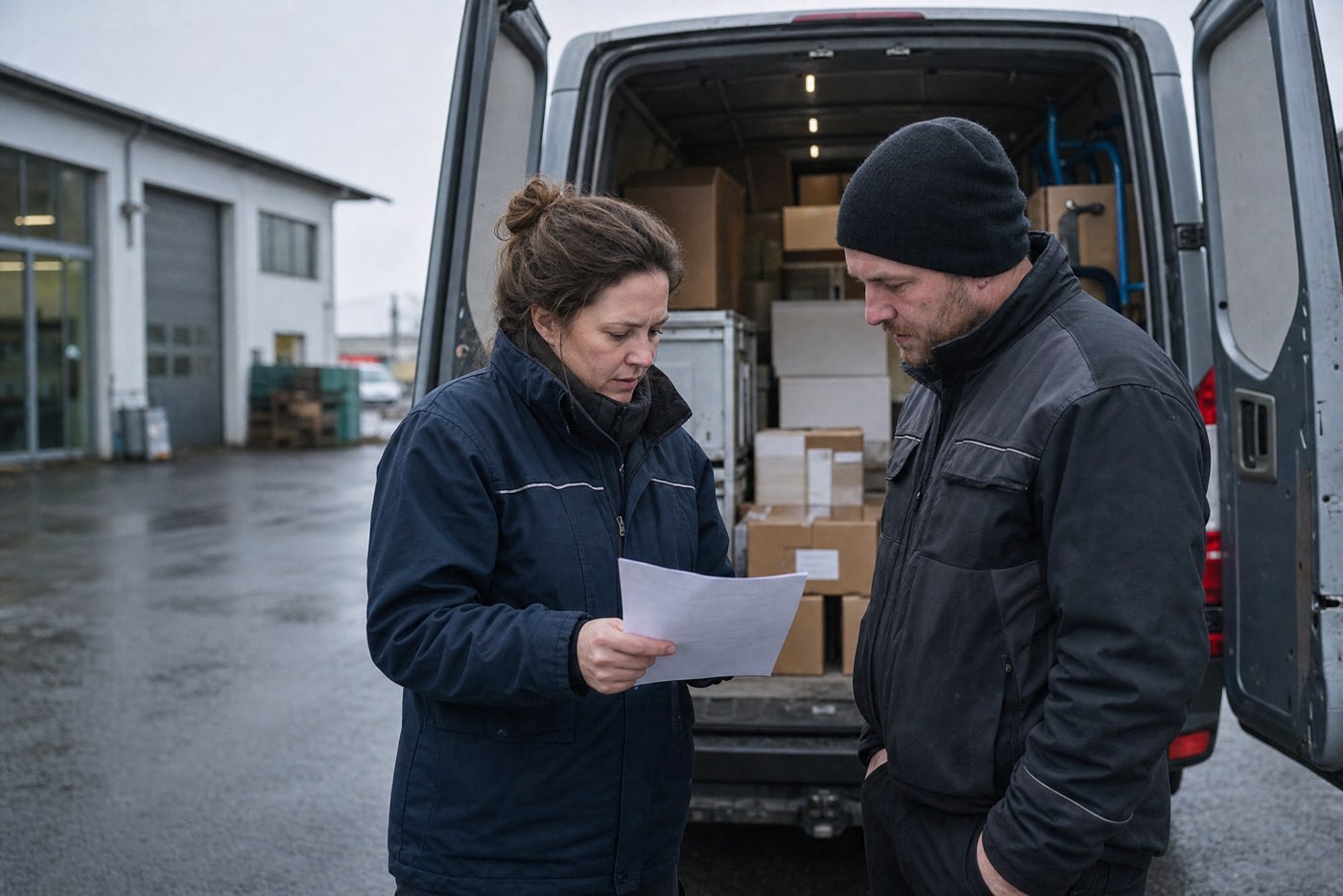 Stock photoOrders become routes, and routes become feedback.
Jobtura · Line items → Transports → Route
Stock photoOrders become routes, and routes become feedback.
Jobtura · Line items → Transports → Route
Three everyday steps that cost you time today, and how they run with Jobtura:
With one delivery a day this is no issue. With twenty it becomes real logistics.
A route carries its destinations with time windows. The map view shows which customers lie together, before anyone estimates the route.
What has to go on the vehicle is on the packing list. Picking runs line by line and is confirmable by barcode.
The data needed can be loaded onto the device before the job. Work carries on in a dead spot, and the reconciliation follows at the next connection.
Capacity and payload sit on the vehicle, driving licence details on the driver. Both hang on the same availability as staff and equipment.
Software that adapts to you. Not the other way round.
We do not want to be the right software for everyone. We want to offer our customers the best possible solution.
That is why we combine comprehensive standard software with individual adaptability, personal support and long-term partnership.
Our solutions range from classic order and inventory management through resource planning, rental processes, mobile applications and cash registers all the way to comprehensive business management.
In doing so, we offer our customers a high degree of freedom: cloud, on-premises or hybrid. Desktop, web or app. Subscription or perpetual licence.
We analyse business processes before we implement larger projects, and we can extend our software with custom developments where needed.
We are particularly strong at connecting operational and commercial processes. With integrated point-of-sale systems, extensive invoicing options, interfaces to financial accounting systems such as DATEV, SAP or BMD, depending on the system and project requirements, and real-time business analyses, we make the financial situation of a company transparent.
Margins and contribution margins can be determined as early as the quotation stage. Provided the data is kept complete and up to date, business performance can be tracked on an ongoing basis instead of relying solely on delayed reports.
We are not the cheapest provider, and we do not want to be. Our aim is a powerful, economically sensible solution that grows with the requirements of our customers.
We do not want to win as many customers as possible. We want to work successfully with our customers for as many years as possible.
Line items from different jobs are combined into transports, and transports into routes. That way not every order is driven separately: whatever is going the same way anyway travels together.
A route carries its destinations in an order, with time windows. A map view shows which customers lie close together, so the order does not depend on the local knowledge of the driver.
Vehicles are kept with capacity and payload. Which one is suitable follows from those details rather than from an estimate at the loading bay. Driving licence details of the drivers are held and taken into account when staffing.
An overview of unscheduled line items shows what is not yet assigned to a route. Nothing is left standing because nobody scheduled it.
A vehicle is a resource and is planned as one, and so is a driver. Both have to be available, and both hang on the same availability overview as staff and equipment.
Dispatch answers before you commit whether the date can be held at all. The bar chart lays jobs and line items across time, so overlaps show up before two routes need the same vehicle.
Approved absences take effect on staffing immediately. Whoever is on holiday is not in the route plan.
That makes route planning not a separate calendar beside the business, but the same plan from which times and costs also arise.
The best route is worth little if the material is not on the vehicle. The packing list shows what has to be prepared, picking runs line by line and is confirmable by barcode. Loading and unloading stay traceable.
Recording does not stop outside. Staff can access the information they need for their job on a mobile device, whether it is a delivery, a collection, a service call, an installation or a stock count, and add on site whatever belongs to it.
And there is not good internet everywhere. Warehouses, cellars, building sites and event grounds have dead spots exactly where the work happens. The data needed can therefore be loaded onto the device before the job, and as soon as there is a connection again the information is reconciled with the central system.
The report back is the trigger for everything that follows. Perhaps the invoice can now be written. Perhaps a hire item is available again. Perhaps a fault was found. Logistics is therefore not the end of the chain but the point where the plan meets reality and comes back again.
Entered once, usable everywhere. No double entry.
And it carries on from there on the same job: quotes can be signed digitally, deposit, interim and final invoices follow from it, incoming payments and reminders hang on it, and at the end the data goes to the accounts.
Where spreadsheets stop, Jobtura carries on: stock levels, picking and scanning are built in. No extra tool needed.
Packing lists straight from the order. Tick off line by line, so nothing is forgotten and nothing is packed twice.
A live overview in the warehouse: which orders are due, what is packed, what is missing, on a screen right there.
Barcode and QR scanning by smartphone: book equipment, record withdrawals, check returns, in seconds.
Five quick questions, an answer straight away – then we both know whether this is a match.
Jobtura is not theory software. It has been in use for years with rental businesses, event technicians and service providers across Germany, built with the people who work with it every day.
 Stock photo
What has to go on the vehicle is on the packing list. What actually went on is confirmed by the scan.
Jobtura comes in two forms: as full rental software for businesses with a warehouse and equipment fleet, and as a lean cloud entry for small teams.
The full ERP software for rental, sales & service. That is this page.
Jobtura as a Service, the lean cloud entry for small teams.
And the two belong together: JaaS also works as an app alongside Sales & Rent. You can just as well use only the app, or only Sales & Rent. And where the software runs is your call: in our cloud, on your own server, or on a machine in your own building.
ERP and inventory software for Rental · Sales · Service. You start lean with what you need and add more as you grow: